Alerts that prove
they arrived.
Skirl is a self-hosted notification server. Your scripts, servers and tools send a message, it reaches your phone and your laptop, and Skirl shows which device got it and when. Anything that sends to ntfy works by changing the address.
-
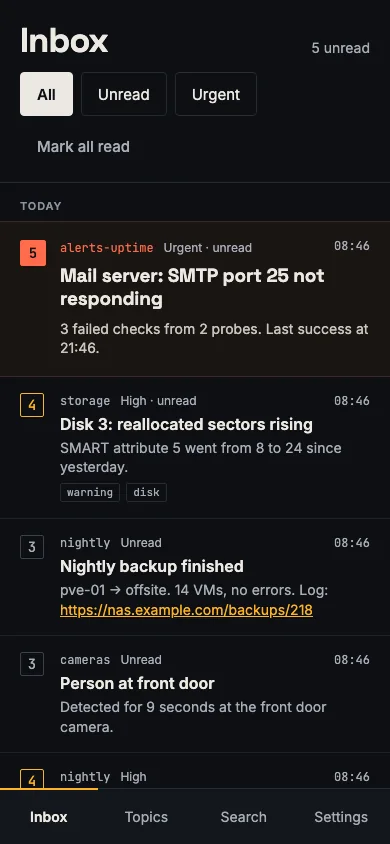
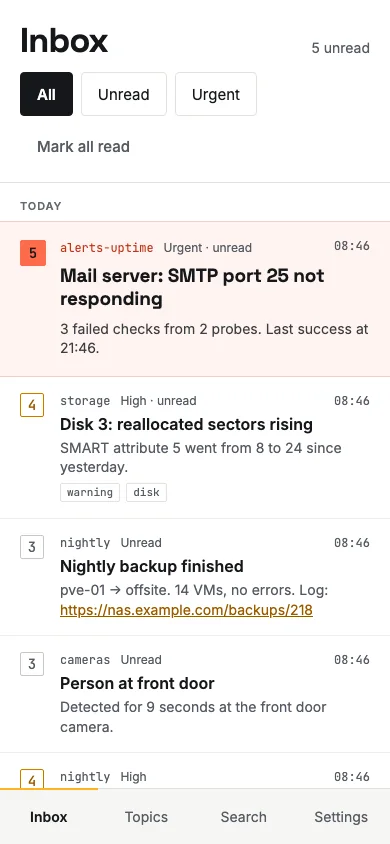
08:463
Person at front door
Detected for 9 seconds at the front door camera.
-
07:123
Build #218 passed
main · 4m 12s
-
03:002
4 container images have updates
skirl now
Try priority 2, then 5. Quiet hours and each topic's own minimum decide which devices ring.
Already sending to ntfy? Keep your tools. curl, Apprise, Home Assistant, Uptime Kuma and the ntfy command line work by changing the address, and the API is checked against ntfy itself on every build. Coming from ntfy
ntfy had the right idea. Skirl is the rest of it.
Sending a notification with one HTTP request is a great design, and Skirl keeps it. What it changes is everything around that request: the setup, the admin, the history, and knowing whether the message got there.
| What | A stock ntfy server | Skirl |
|---|---|---|
| Setting it up | A YAML config file and the command line | A five-step wizard in the browser that tests your proxy and shows the exact lines to fix |
| People, topics, tokens | Command line, or a declarative file | An admin console in the browser. Nothing needs a shell |
| History | Kept in each browser. The server caches for 12 hours by default | Kept on the server: one inbox, read state that follows you between devices, and search |
| Did it arrive? | No per-device record | For each message, which device got it and when, or why not |
| Who can read a topic | Anyone who knows its name, until you configure access | Private until you share it |
| Push keys | Generated on the command line, pasted into the config | Generated on first start. Nothing to paste |
| Web push subscriptions | Expire after 60 days without a visit | Never dropped silently. A device that stops receiving shows up in Diagnostics |
| Webhooks from other tools | Templates you write | Ready-made setups for sixteen senders, and a template built by clicking a real message |
Compared with ntfy's documentation for version 2.38, read in November 2026. ntfy is a good project, and it is the reason Skirl speaks its API.
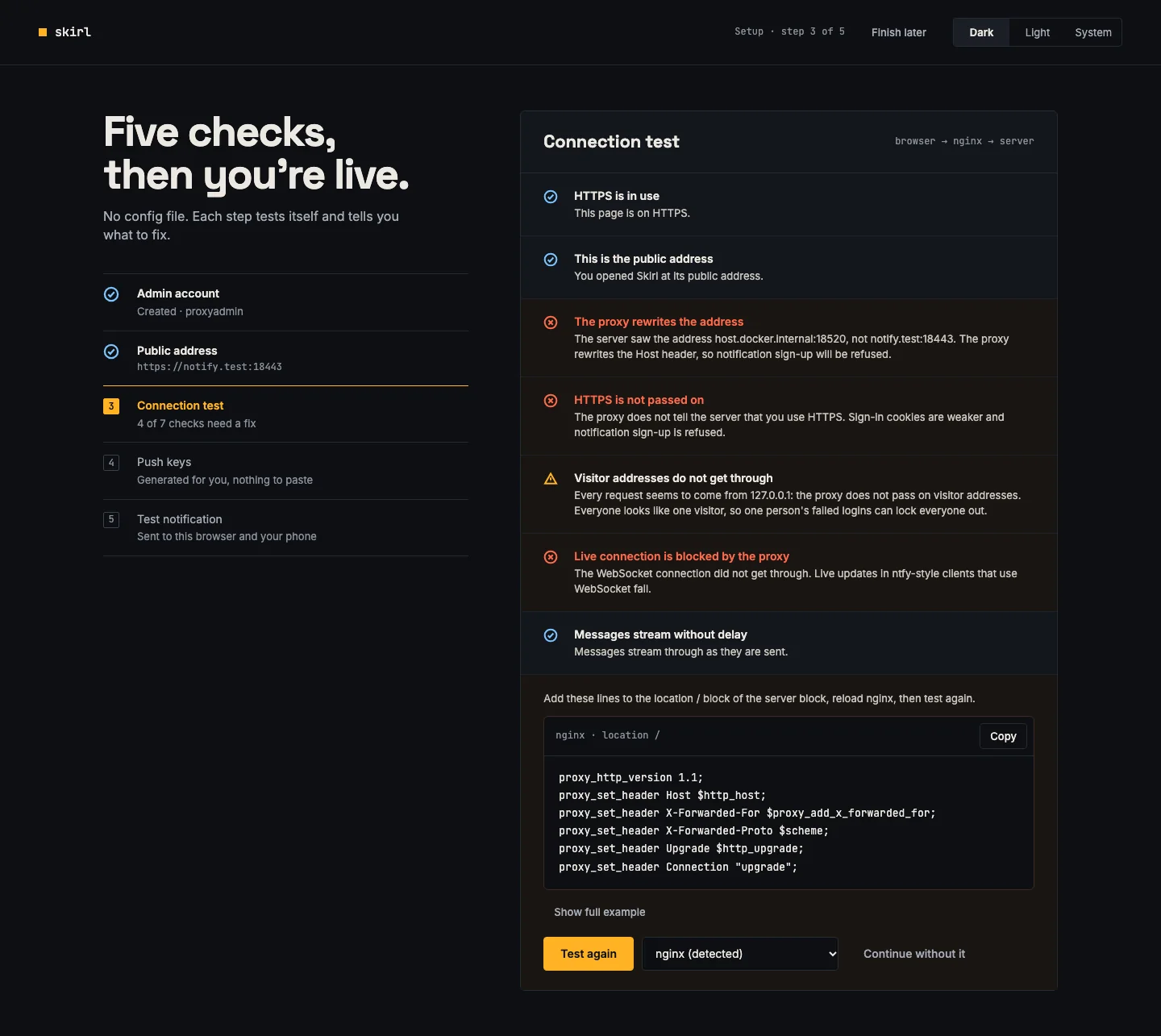
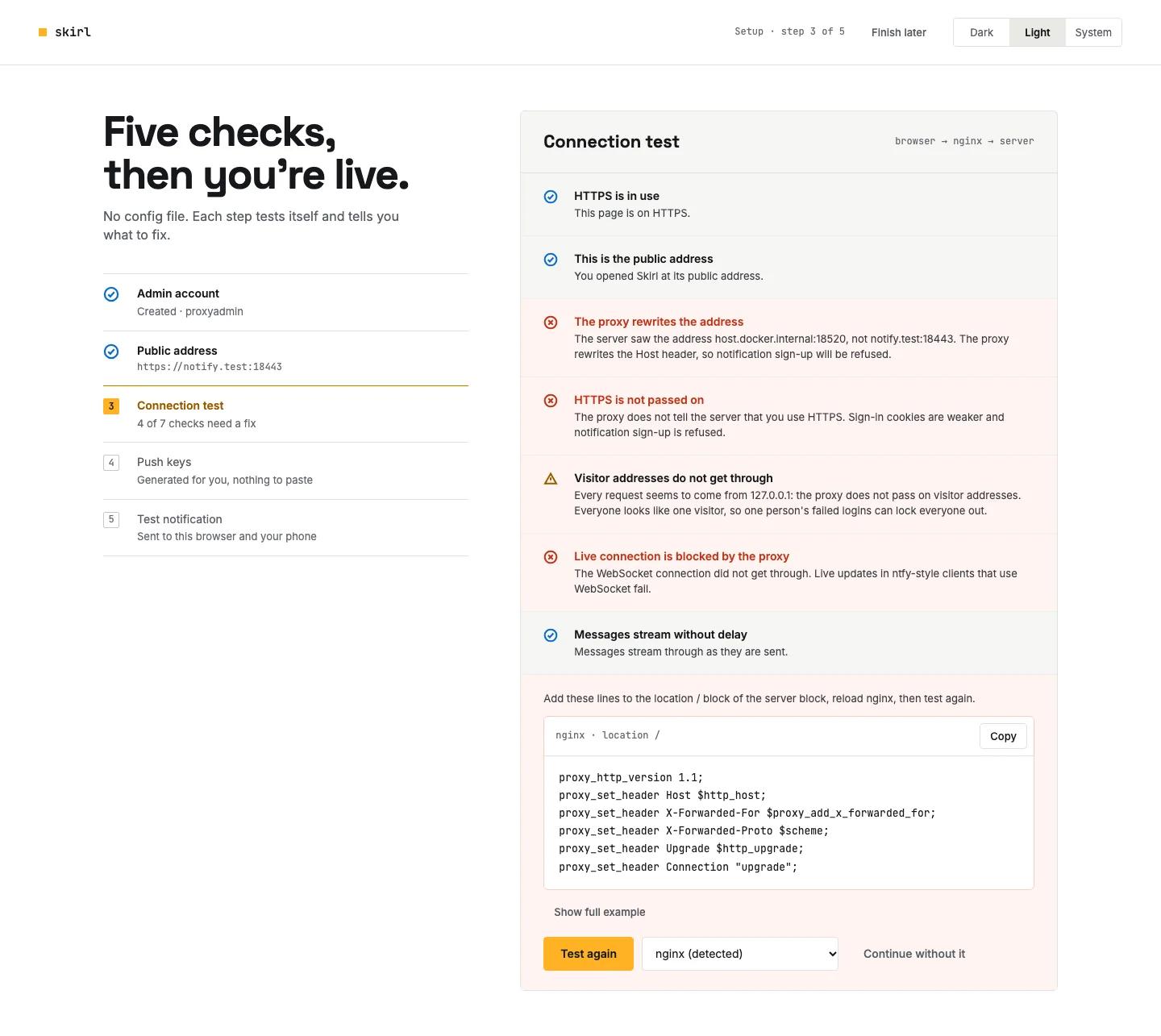
Five checks, then you're live.
Start one container and open the address. There is no config file. The wizard creates your admin, confirms the public address, and tests HTTPS, your reverse proxy and the live connection from your own browser.
When the proxy gets something wrong, Skirl names it and shows the lines to paste for nginx, Caddy or Traefik. Then it generates the push keys and sends a test notification to prove the whole path.
Know which device got it.
Every message carries its own delivery lines: received on the iPhone at 08:46, skipped on the iPad for quiet hours, waiting on a laptop whose browser is closed. No more wondering whether the alert was sent, or lost, or just muted.
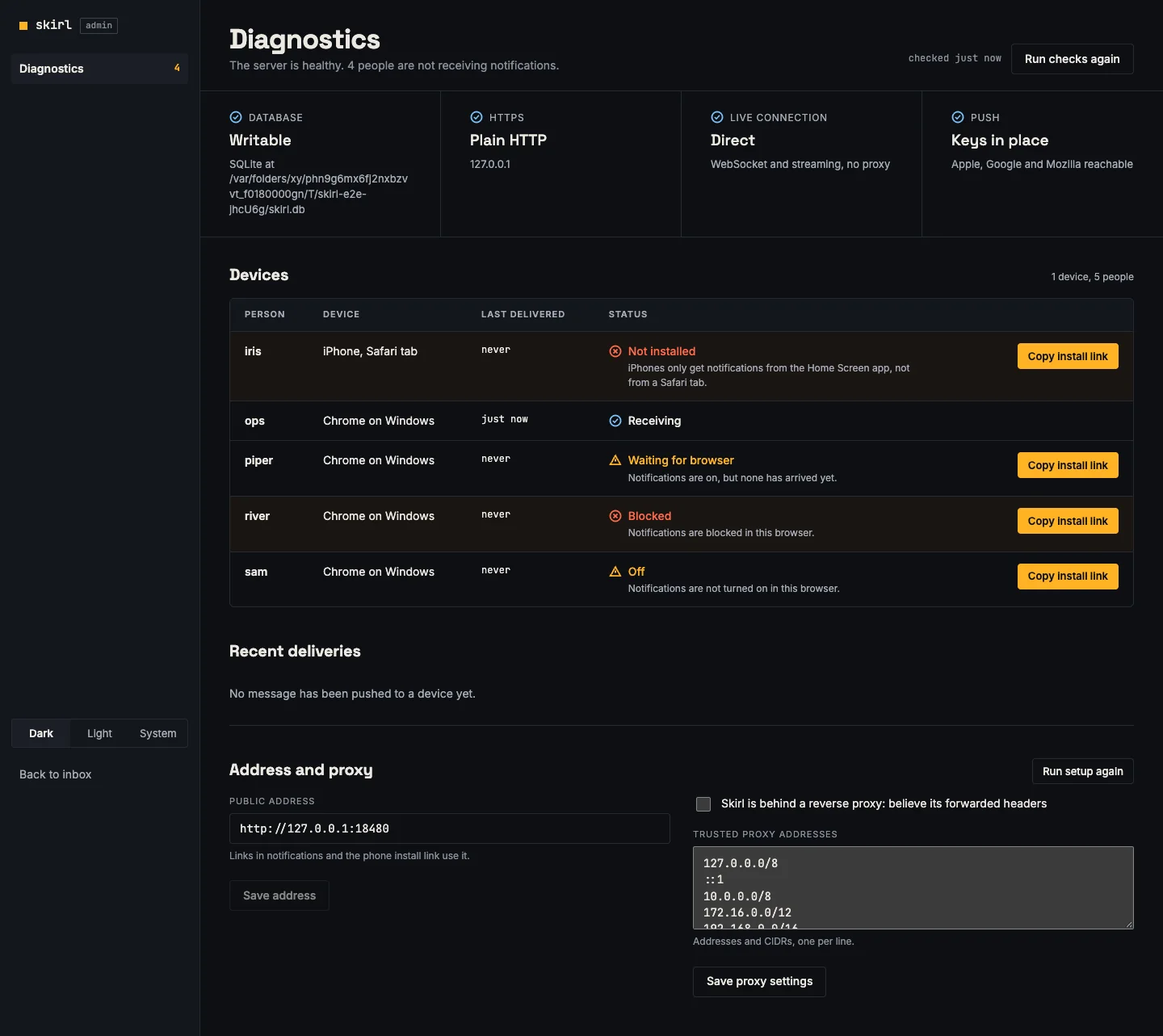
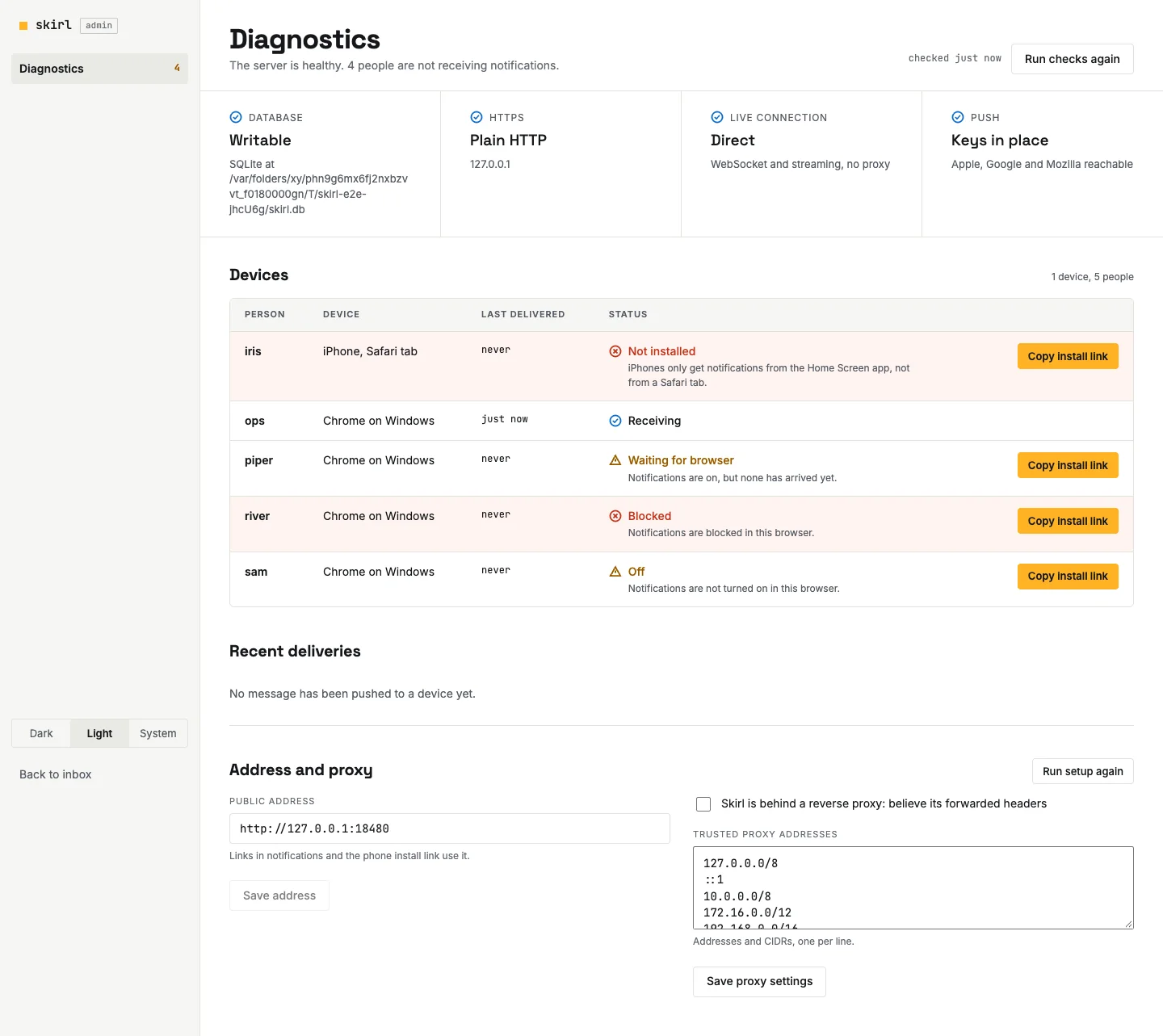
Diagnostics lists every person's devices with a plain reason for each one that is not receiving, and a link you can send them to fix it.
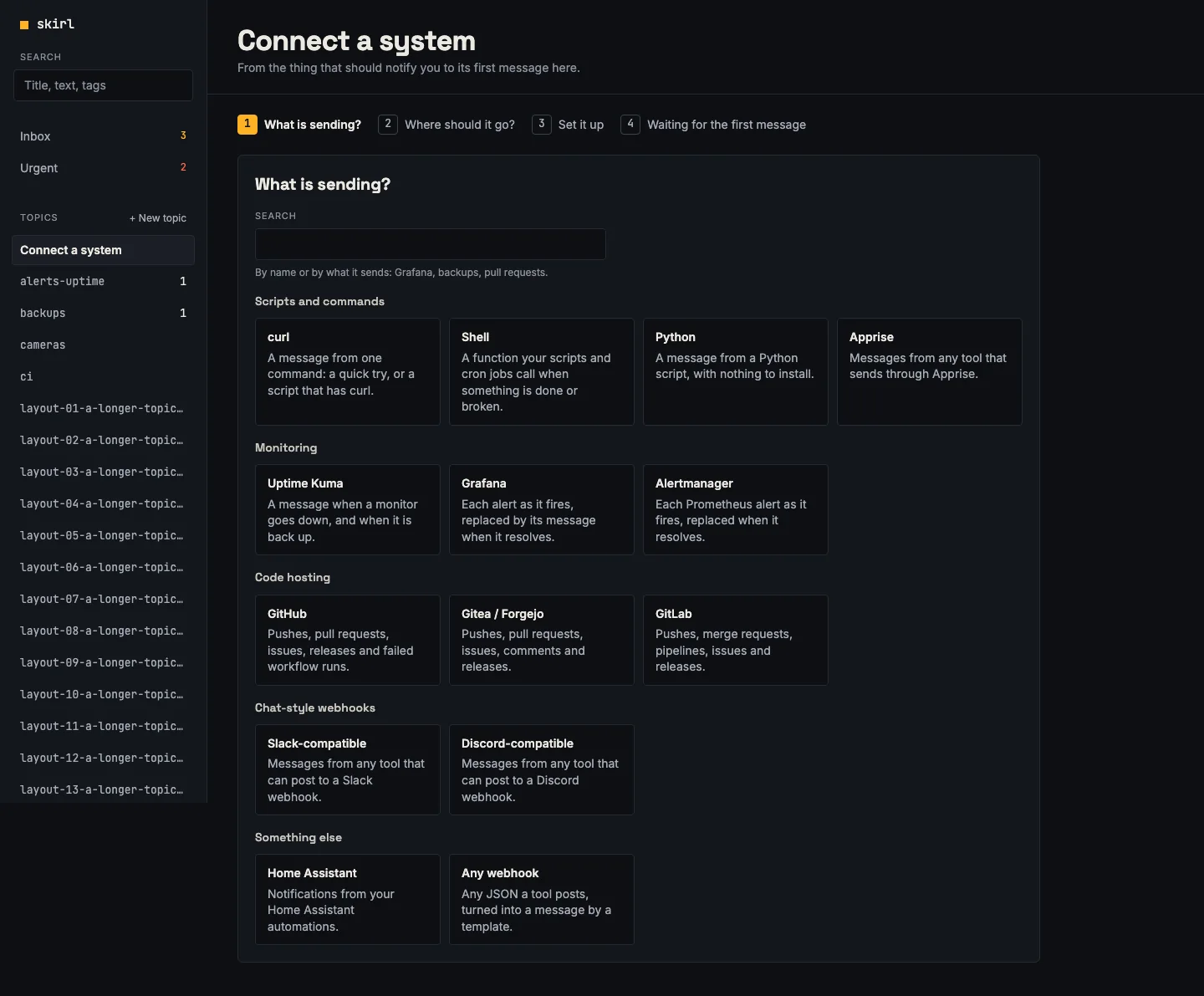
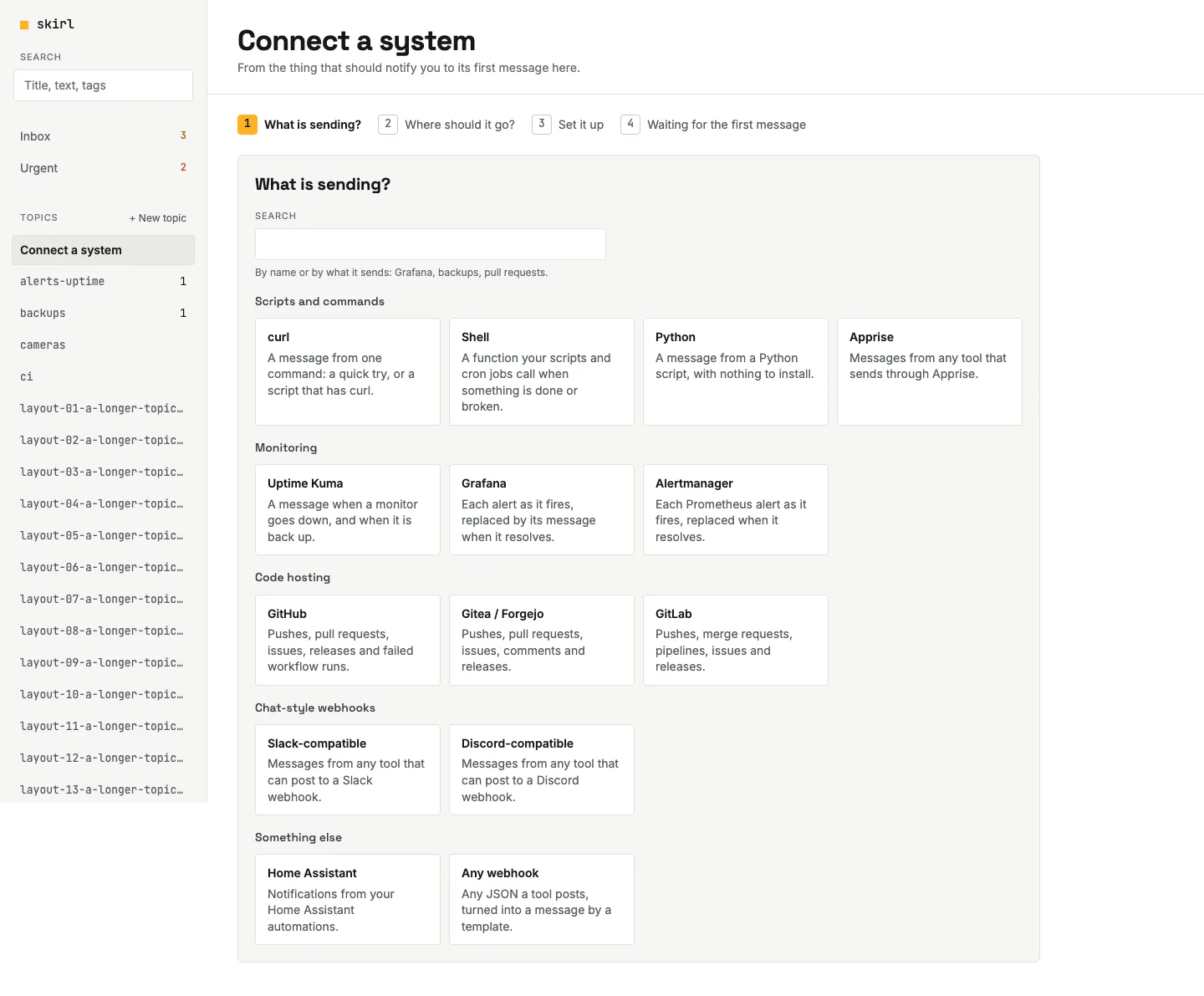
From “what is sending?” to “It works.”
Connect a system walks you from the tool to its first message. Pick the sender, pick the topic, and copy the snippet: your address is filled in, and the token it makes may only send to that one topic.
The page waits until the first message arrives. If your tool is not on the list, Any webhook reads its JSON, and Listen for a real message lets you build a template by clicking the parts you want.
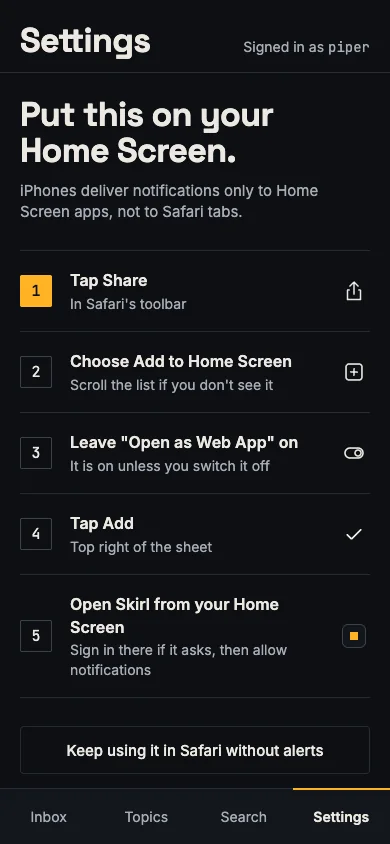
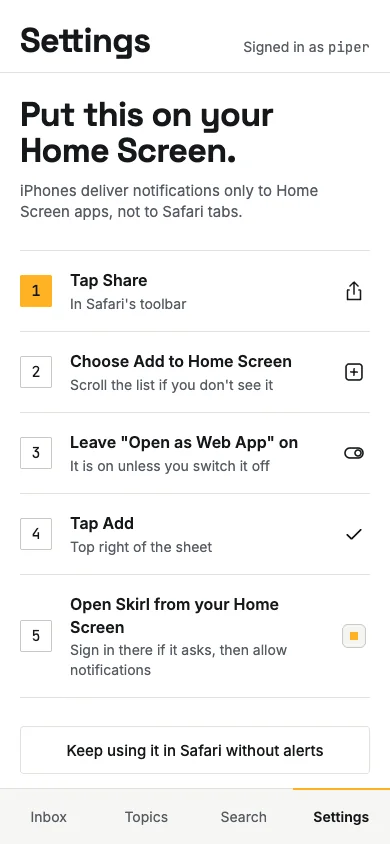
On your iPhone, without the App Store.
Open your Skirl address on the phone, add it to the Home Screen, allow notifications. That is the whole install on an iPhone or iPad (iOS 16.4 or later), and Skirl shows the steps on the phone itself.
Android and desktop browsers need nothing installed. Read a message on the laptop and it is read on the phone too.
More of what is in the box
Your containers, watched
An optional companion container reports a crash, an out-of-memory kill, a failing health check or a restart loop, and replaces the message with “resolved” when it recovers. A stop you asked for says nothing.
Docker containersAlerts that update themselves
A Grafana alert that resolves, or a CI run that passes, replaces the message it follows. Your inbox shows the state of things, not a pile of history to untangle.
Message featuresQuiet when it should be
Quiet hours, muting, and “notify me from priority” per topic. Urgent messages still get through at night if you say so, and the delivery line tells you which rule held the rest back.
Your settingsTokens that can do one thing
A token for a script can be limited to sending to a single topic. If it leaks, it can post to that topic and nothing else. Rotate or revoke it in the browser.
Tokens and accessHelp that covers all of it
Every setting, check, delivery status, error message and command has a help entry inside the app, with search. A test fails the build when something is added without one.
Read the docsNo telemetry. None.
No tracking, no update check, no account with anyone. A running Skirl contacts only the push service of each browser you subscribe, because that is how web push works.
Exactly what leaves the server- 541 messages a second
- published while 1,000 open subscriptions each received every one
- 42 MB of memory
- freshly started, as a single binary with SQLite inside
- 27 ms to start
- from launching the process to the first healthy answer
- 2.3 ms inbox
- median first page, with 200,000 messages stored
Measured on a standard two-CPU GitHub runner, on loopback, with rate limits off. How it was measured, and what the numbers do not say
Run it yourself. Free, with nothing held back.
Self-hosted Skirl has no limits and no paid-only features. It is one container or one binary with the database inside, licensed AGPL-3.0.
- Start the container. One command, one volume, one port.
- Open the address and create your admin account.
- Follow the five checks. The last one puts a test notification on your phone.
docker run -d --name skirl \
  -p 8080:8080 \
  -v skirl-data:/data \
  ghcr.io/homelabza/skirl:latest
Then open http://this-machine:8080. Phones only allow notifications over HTTPS, so for real use follow one of the complete paths: Cloudflare Tunnel, Traefik, Caddy, nginx or the binary with systemd.
Version 1.0 is in final testing. The repository and the images open to everyone on release day. Leave your email and you will get one message when they do.
Or let us run it.
Skirl Cloud is the same Skirl on our servers: sign up, get an address, point your tools at it. No container, no proxy, no certificate to renew. It will be a paid service with a free trial. Self-hosted stays free and complete either way.
It is not open yet. Join the list and you will be among the first invited.
Talk to the people using it.
Ask how others set something up, show what you built, or report a problem. The developer reads and answers here.
- Loading the latest threads…
See what is being built.
The roadmap is public, and so are the suggestions. Vote for what you need, or add your own.
- Loading the roadmap…